
News:
Problems registering, no confirmation email - see http://wiki.scribus.net/canvas/Forums_Registration
Recent posts
#21
Beginner Talk / why the order of the layer is ...
Last post by AFournier - July 15, 2025, 06:51:17 PMEXAMPLE why master pages and grids are not movable to the front of the composition?
I use Scribus 1.4.8 for editing a whole pages graphic iconography catalogue and I wanted to use automatic numbering pages at the bottom center of every page.
It was already a nightmare to find a readable tutorial for automatic numbering a 70 pages book (it took me 1h30 to understand, all those tutos are confusing, do better please). I created a master page and applied it in the whole document....AND....
The numbers are hidden under the images
Another hour asking "how to move the master pages in the front" everywhere, nothing. I finally ask Chatgpt, it tell me "Scribus doesn't allow to move the master page from the background."
OK, I have to INSERT MANUALLY every single 70 numbers .... in the center of the page BUT
the grid is BESIDE THE IMAGE!!!
I don't know WHERE IS THE CENTER OF THE PAGE!
My question is: why can't we choose if we want those (or anything for that matter) in the front?
Thank you, I have to go back editing manually every single number now...
I use Scribus 1.4.8 for editing a whole pages graphic iconography catalogue and I wanted to use automatic numbering pages at the bottom center of every page.
It was already a nightmare to find a readable tutorial for automatic numbering a 70 pages book (it took me 1h30 to understand, all those tutos are confusing, do better please). I created a master page and applied it in the whole document....AND....
The numbers are hidden under the images
Another hour asking "how to move the master pages in the front" everywhere, nothing. I finally ask Chatgpt, it tell me "Scribus doesn't allow to move the master page from the background."
OK, I have to INSERT MANUALLY every single 70 numbers .... in the center of the page BUT
the grid is BESIDE THE IMAGE!!!
I don't know WHERE IS THE CENTER OF THE PAGE!
My question is: why can't we choose if we want those (or anything for that matter) in the front?
Thank you, I have to go back editing manually every single number now...
#22
PDF Generation / Re: Can Scribus create a SEARC...
Last post by utnik - July 15, 2025, 06:05:36 PMhi hanna
as prcek suspected, if you embed the fonts (full fonts or subsets) the .pdf file will contain searchable text while outlined text just looks like text but is (technically spoken) just a vector graphic.
utnik
as prcek suspected, if you embed the fonts (full fonts or subsets) the .pdf file will contain searchable text while outlined text just looks like text but is (technically spoken) just a vector graphic.
utnik
#23
PDF Generation / Re: Can Scribus create a SEARC...
Last post by prcek - July 15, 2025, 05:44:55 PMI'm newbie as well. What do you mean by "searchable"?
PDF I've generated from Scribus can be opened in a PDF reader (qpdfview in mycase) and I can use the "Find" function to search for text. And it works.
But the text was inserted into a text frame and export was done with embedding fonts not outlining them. I'm just describing my process not sure if the outlining will nor won't work.
PDF I've generated from Scribus can be opened in a PDF reader (qpdfview in mycase) and I can use the "Find" function to search for text. And it works.
But the text was inserted into a text frame and export was done with embedding fonts not outlining them. I'm just describing my process not sure if the outlining will nor won't work.
#24
PDF Generation / Can Scribus create a SEARCHABL...
Last post by hannaconner - July 15, 2025, 03:52:46 AMI'm a DTP newbie as well as a Scribus newbie, but an old hand in IT
(60 years since - honest!)
I'm trying to help the new editor of our Village Magazine
- imaginative, very enthusiastic, but hasn't a clue about how PCs & software work
(60 years since - honest!)
I'm trying to help the new editor of our Village Magazine
- imaginative, very enthusiastic, but hasn't a clue about how PCs & software work
#25
Scripts and Plugins / Re: error message
Last post by rafferty - July 14, 2025, 08:06:51 PMEdit: You can use any font you like for the calendar generation and afterwards change only the 'char_style_Moons'- character style with one which contains all special moonphase characters (I use Symbola font for this).
#26
Scripts and Plugins / Re: error message
Last post by rafferty - July 14, 2025, 05:05:02 PMHi Zaza,
1) If your language and unicode page is not defined in lines 92-116 of the 'MonthlyCalendar.py'-file, then open the file with a simple text editor and change an existing line or add a new line in between with your language and unicode page parameters.
2) As stated in the 'Monthly Calendar Instructions.pdf'-file under the moonphases section, you have to find a font for the moonphases that contains these characters.
Regards,
Rafferty
1) If your language and unicode page is not defined in lines 92-116 of the 'MonthlyCalendar.py'-file, then open the file with a simple text editor and change an existing line or add a new line in between with your language and unicode page parameters.
2) As stated in the 'Monthly Calendar Instructions.pdf'-file under the moonphases section, you have to find a font for the moonphases that contains these characters.
Regards,
Rafferty
#27
Scripts and Plugins / Re: error message
Last post by Zaza - July 14, 2025, 03:24:35 PMThank you I have no more error message.
I've tried with the Roboto regular font as in the pdf example and I have no moon phases.
Today I tried with the Arial regular font and I have the full moon and the empty moon too. I don't know why it doesn't work with the Roboto font as in example.
I have to try with other fonts until I find the right one.
-----
I have the four moon drawings with the "Yu Gothic UI" font.
I've tried with the Roboto regular font as in the pdf example and I have no moon phases.
Today I tried with the Arial regular font and I have the full moon and the empty moon too. I don't know why it doesn't work with the Roboto font as in example.
I have to try with other fonts until I find the right one.
-----
I have the four moon drawings with the "Yu Gothic UI" font.
#28
Scripts and Plugins / Re: error message in RaffertyR...
Last post by hjh - July 14, 2025, 01:46:26 PMHi Zaza
I tried out the script as well with language=German and font=Arial regular on MSWindows with Scribus 1.6.4.
It went through smoothly but only showed the full moon and the empty moon. It means that the font must support all the moon symbols.
Which language did you use?
I also realize that the error is at the line
https://github.com/RaffertyR/Monthly-calendar-script-for-Scribus/blob/e656ff77d82ffd4e3804d88caf695ddd4fad973e/MonthlyCalendar.py#L1155
This is where the locale information is set back to the original value stored earlier in the variable original_locale1.
The code in question is the main program
So a thing to try out is to forget about saving the original locale information and setting it back by commenting it out by adding a hash # sign in front of the program line.
You might then later set back your locale information manually (maybe by restarting Scribus?)
In any case the script wants to set a locale information which does not exist in your case. In the case I tested out it went through without problems.
Below I have inserted in the code that message boxes are shown before and after execution of the main loop script. This will help for debugging purposes.
HTH
Hannes
For debugging purposes it might also be useful to insert
I tried out the script as well with language=German and font=Arial regular on MSWindows with Scribus 1.6.4.
It went through smoothly but only showed the full moon and the empty moon. It means that the font must support all the moon symbols.
Which language did you use?
I also realize that the error is at the line
https://github.com/RaffertyR/Monthly-calendar-script-for-Scribus/blob/e656ff77d82ffd4e3804d88caf695ddd4fad973e/MonthlyCalendar.py#L1155
This is where the locale information is set back to the original value stored earlier in the variable original_locale1.
The code in question is the main program
Code Select
def main():
    """ Application/Dialog loop with Scribus sauce around """
    try:
        statusMessage('Running script...')
        progressReset()
        original_locale1=locale.getlocale(locale.LC_CTYPE)
        original_locale2=locale.getlocale(locale.LC_TIME)
        root = Tk()
        app = TkCalendar(root)
        root.mainloop()
        locale.setlocale(locale.LC_CTYPE, original_locale1)
        locale.setlocale(locale.LC_TIME, original_locale2)
    finally:
        if haveDoc() > 0:
            redrawAll()
        statusMessage('Done.')
        progressReset()
So a thing to try out is to forget about saving the original locale information and setting it back by commenting it out by adding a hash # sign in front of the program line.
Code Select
def main():
    """ Application/Dialog loop with Scribus sauce around """
    try:
        statusMessage('Running script...')
        progressReset()
        # original_locale1=locale.getlocale(locale.LC_CTYPE)
        # original_locale2=locale.getlocale(locale.LC_TIME)
        root = Tk()
        app = TkCalendar(root)
        root.mainloop()
        # locale.setlocale(locale.LC_CTYPE, original_locale1)
        # locale.setlocale(locale.LC_TIME, original_locale2)
    finally:
        if haveDoc() > 0:
            redrawAll()
        statusMessage('Done.')
        progressReset()
You might then later set back your locale information manually (maybe by restarting Scribus?)
In any case the script wants to set a locale information which does not exist in your case. In the case I tested out it went through without problems.
Below I have inserted in the code that message boxes are shown before and after execution of the main loop script. This will help for debugging purposes.
HTH
Hannes
For debugging purposes it might also be useful to insert
Code Select
messagebox.showinfo("INFO:",'locale.LC_CTYPE=' + str(original_locale1))
which in my case gave backCode Select
locale.LC_CTYPE=('English_Switzerland','1252')before the script run and Code Select
locale.LC_CTYPE ('de_DE','cp1252') after the script ran.Code Select
def main():
    """ Application/Dialog loop with Scribus sauce around """
    try:
        statusMessage('Running script...')
        progressReset()
        original_locale1=locale.getlocale(locale.LC_CTYPE)
        original_locale2=locale.getlocale(locale.LC_TIME)
        messagebox.showinfo("INFO:",'locale.LC_CTYPE=' + str(original_locale1))
        root = Tk()
        app = TkCalendar(root)
        root.mainloop()
        messagebox.showinfo("INFO:",'locale.getlocale(locale.LC_CTYPE)' + str(locale.getlocale(locale.LC_CTYPE)))
        locale.setlocale(locale.LC_CTYPE, original_locale1)
        locale.setlocale(locale.LC_TIME, original_locale2)
    finally:
        if haveDoc() > 0:
            redrawAll()
        statusMessage('Done.')
        progressReset()
#29
Scripts and Plugins / error message
Last post by Zaza - July 13, 2025, 05:09:28 PMHi,
I test the script from here : https://github.com/RaffertyR/Monthly-calendar-script-for-Scribus/
but I have this message :
Traceback (most recent call last):
File "<string>", line 11, in <module>
File "<string>", line 1164, in <module>
File "<string>", line 1155, in main
File "C:\Program Files\Scribus 1.6.4\python\lib\locale.py", line 608, in setlocale
return _setlocale(category, locale)
locale.Error: unsupported locale setting
The calendar is create but I have no moon phase drawing.
What can I do ?
I test the script from here : https://github.com/RaffertyR/Monthly-calendar-script-for-Scribus/
but I have this message :
Traceback (most recent call last):
File "<string>", line 11, in <module>
File "<string>", line 1164, in <module>
File "<string>", line 1155, in main
File "C:\Program Files\Scribus 1.6.4\python\lib\locale.py", line 608, in setlocale
return _setlocale(category, locale)
locale.Error: unsupported locale setting
The calendar is create but I have no moon phase drawing.
What can I do ?
#30
Beginner Talk / Re: How Add Inteface Themes
Last post by joseb - July 12, 2025, 02:27:48 PMIn the following GIF you can better see the changes between the dark default interface of Scribus 1.7.1 on windows 11 and the custom dark QSS:
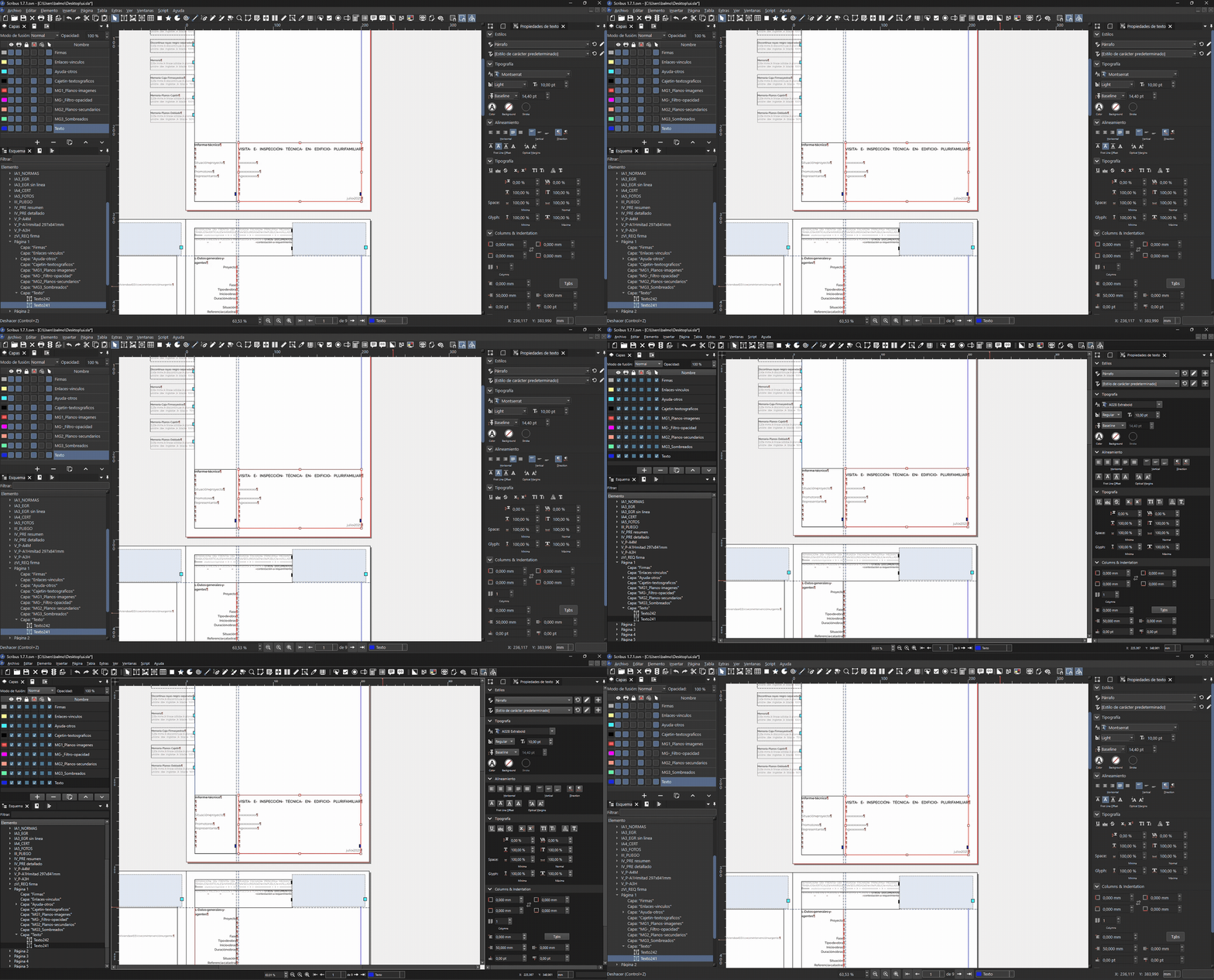
The qss file can be downloaded here: 250712_SCRIBUS_Custom-dark.qss
Now facing a custom QSS with slightly lighter greys:
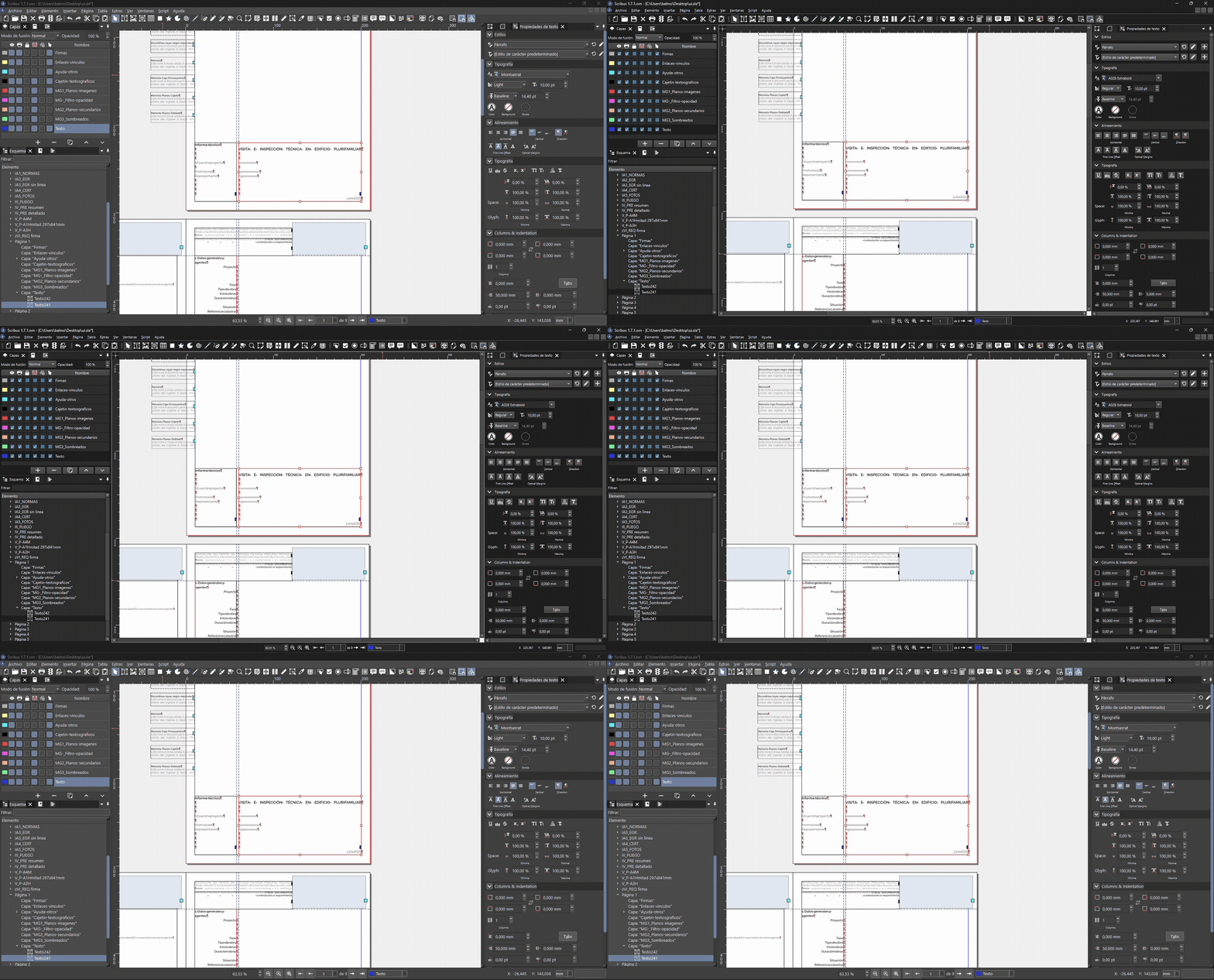
The second qss file can be downloaded here: 250712_SCRIBUS_Custom-darklight.qss
The qss file can be downloaded here: 250712_SCRIBUS_Custom-dark.qss
Now facing a custom QSS with slightly lighter greys:
The second qss file can be downloaded here: 250712_SCRIBUS_Custom-darklight.qss